How To Create An Email Account in Directadmin?
In DirectAdmin, we can easily create the email accounts and access the email accounts via their webmail interface. Let checkout how to create an email account in DirectAdmin control panel.
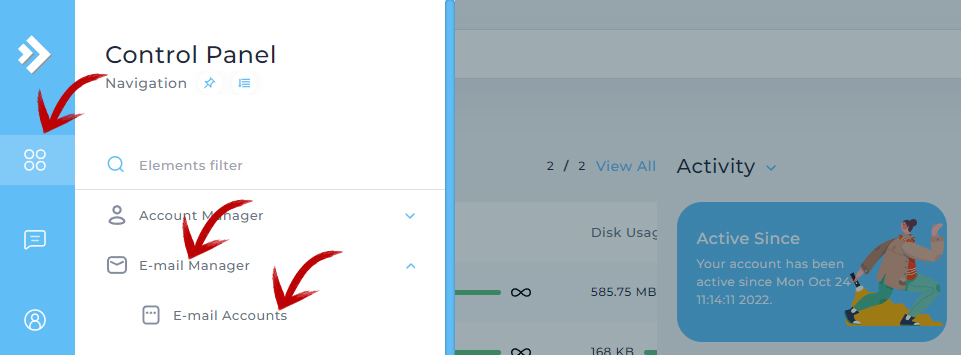
Step 1 : Click the primary menu icon from left sidebar. Then click E-mail Accounts available inside E-mail Manager.
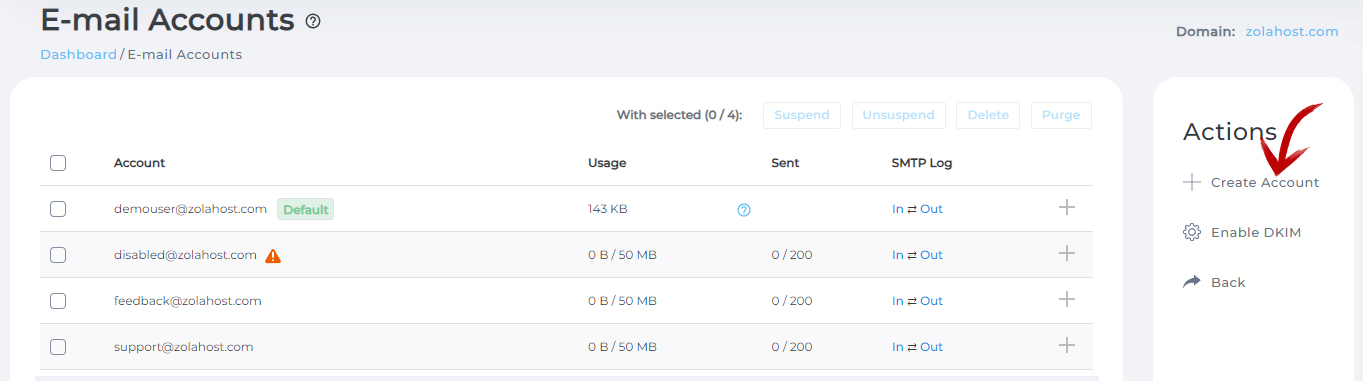
Step 2 : Click Create Account.
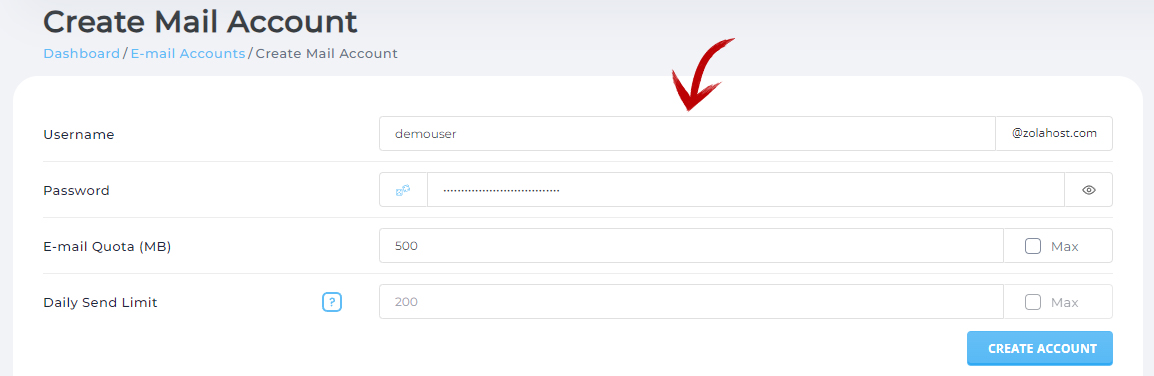
Step 3 : Fill the details and press Create Account to create an email account you want.
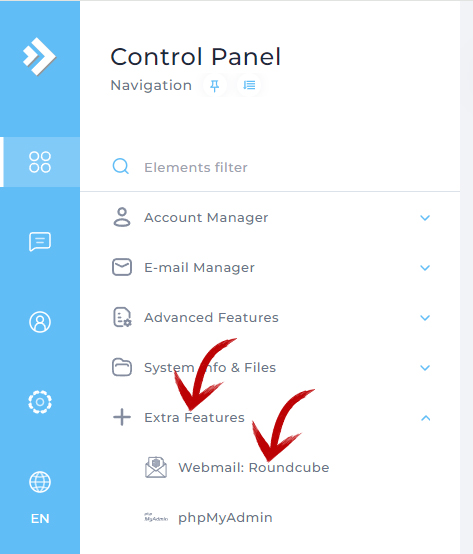
Step 4 : For login to the email account, click the primary menu icon from left sidebar. Then click Webmail : Roundcube available inside Extra Features.